
With so many sports, venues, athletes, and events, keeping track of the 2019 SEA Games can be a daunting task, even for a dedicated sports fan.
The official 2019 SEA Games app for Android and iOS devices is a quick way of getting a handle on all the action at the SEA Games. To get the app, click the download link that pops up when you visit the official SEA Games website on your mobile.
Home
On the main navigation menu, Home takes you through a scrollable list of the latest SEA Games-related news. There’s a quick link to the Games’ YouTube livestream playlist, so click here to get up to speed on everything that’s going down.
Confusingly enough, there’s also a ‘View All’ shortcut on the right side of the YouTube icon. Clicking here won’t take you to the YouTube livestreams — instead, it takes you to the highlights and offers pages such as announcements for available merchandise and other discounts.
Schedule
The Schedule section lets you check the schedule and venue of a particular sporting event. Because of the text drop down menus, this section can be a bit clunky since you have to select from either a list of the events or the dates. It might have been easier if the dates were presented in a calendar format, with the sporting events indicated on each date as small icons.
Medal Tally, Results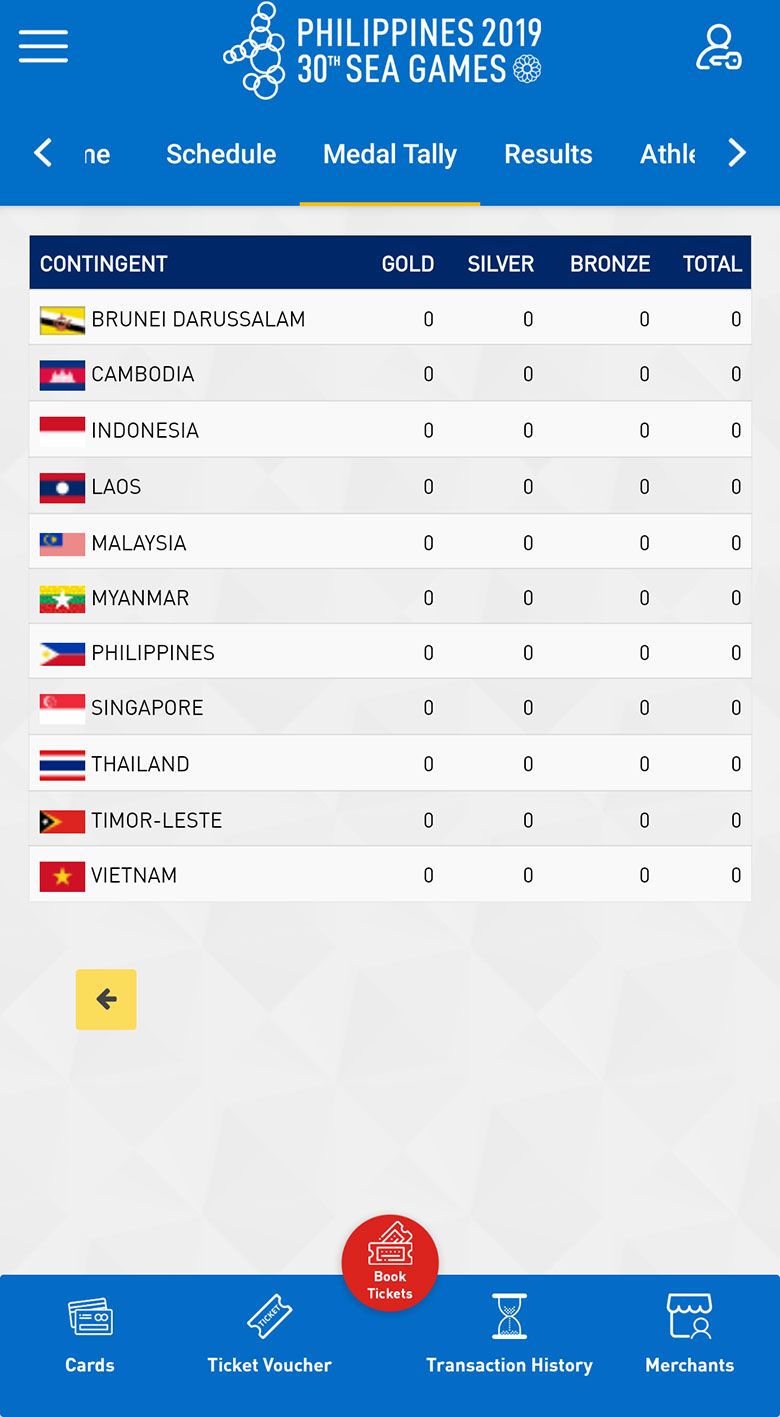
The Medal Tally gives a quick glance on the medal hauls of each country. Beside it is the Results section which uses a similar dual drop down list as the Schedule page — one for searching the sporting event and another for date.
Athletes, Countries, Sports, Venues
A complete list of the registered athletes can be found in the Athletes section, searchable via country, sport, and gender. As of our test build on November 30, some images in this section show up as broken links, as you can see below. Click on a name, and an info page pops up that contains key info about each athlete.

For example, here's Japeth Aguilar's info page.

If you want to know more about each sport, head on to the Sports section for a primer on each sport, as well as a list of all the events in that category. It’s a good section to check in case you are unfamiliar with the sport, but if you need to go into deeper detail such as the rules of the game and other information, you have to look elsewhere.
The other sections contain brief information on each participating country such as their previous SEA Games medal tally. The Venues section gives more information on the four designated sporting event hubs in Clark, Subic, Metro Manila, and other areas such as Tagaytay and Batangas. Clicking on the venue name will show the events in the facility.
Others
The ‘hamburger’ button on the top left corner will bring out a collapsible menu that contains shortcuts for electronic transactions, your user profile, and settings.
Lastly, at the bottom navigation bar, there’s a quick button for buying tickets. This takes you to the SM Tickets online page for the events. (Perhaps a bit of an awkward function, given Alan Peter Cayetano’s free ticket announcement yesterday.)
Admittedly, the app has some awkward bits when it comes to the general navigation (the SEA Games’ mobile site does flow better in that respect), but all the basic information you need for the SEA Games is here. Hopefully, live streaming could be baked into the home page. We’ll also see if push notifications will be enabled once the gold medals start rolling in.
The versions of the app that were tested were Version 1.0.1 Build 2, and Version 1.0.2 Build 3. (All screenshots come from Build 3.)
Get more of the latest sports news & updates on SPIN.ph
NOTICE ON UNAUTHORIZED AND UNLAWFUL USE, PUBLICATION, AND/OR DISSEMINATION OF SPIN.PH CONTENT: Please be notified that any unauthorized and unlawful use, publication, and/or dissemination of Spin.ph’s content and/or materials is a direct violation of its legal and exclusive rights to the same, and shall be subject to appropriate legal action/s.
